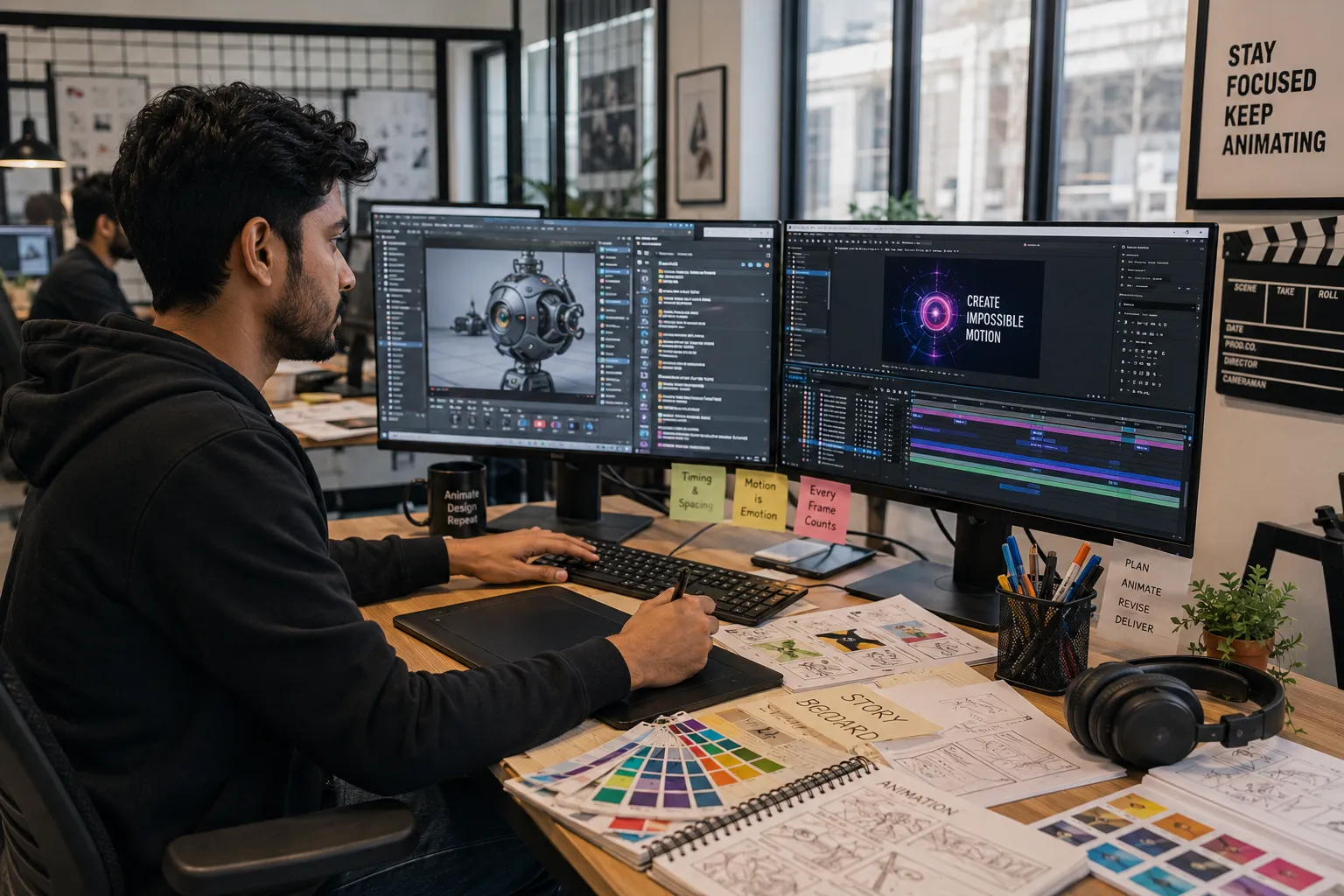
Ultimate Guide to Motion Graphics Design Tools in 2026
Motion Graphics has become one of the most in-demand creative skills in the digital world. From YouTube videos and Instagram reels to television commercials and product advertisements, motion graphics are everywhere.
Whether you're a beginner exploring animation or an aspiring motion designer looking to build a professional career, learning the right tools is essential for success.
This guide covers the most important motion graphics design tools used by professionals in 2026 and explains how each tool fits into the production workflow.
What is Motion Graphics Design?
Motion Graphics is the art of bringing graphic elements to life using animation, movement, visual effects, and storytelling techniques.
Common Motion Graphics Projects
- Explainer Videos
- YouTube Intros
- Social Media Reels
- Product Advertisements
- Corporate Presentations
- Animated Logos
- Broadcast Graphics
- Title Sequences
1. Adobe After Effects
Adobe After Effects is considered the industry standard for motion graphics and visual effects.
What You'll Use It For
- 2D Animation
- Motion Graphics
- Logo Animation
- Visual Effects
- Kinetic Typography
- Explainer Videos
- Social Media Content
Why It Matters
Most motion graphics jobs require After Effects knowledge, making it the first software every aspiring motion designer should learn.
2. Adobe Premiere Pro
Premiere Pro is used for professional video editing and works seamlessly with After Effects.
Best For
- Video Editing
- Corporate Videos
- YouTube Content
- Commercial Projects
- Content Creation
3. Cinema 4D
Cinema 4D is one of the most popular 3D software packages used by motion designers.
Features
- 3D Modeling
- 3D Animation
- Product Visualization
- Motion Graphics
- Broadcast Design
Many premium advertisements and television graphics are created using Cinema 4D.
4. Blender
Blender is a powerful free and open-source 3D software that has become extremely popular among motion designers.
Capabilities
- 3D Modeling
- Animation
- Motion Graphics
- Rendering
- Visual Effects
- Product Animation
Why Beginners Love Blender
It offers professional-level capabilities without subscription costs.
5. DaVinci Resolve
DaVinci Resolve combines video editing, motion graphics, color grading, and audio production into a single platform.
Best For
- Video Editing
- Color Correction
- Motion Graphics
- Content Creation
- Film Production
6. Adobe Illustrator
Motion designers frequently create design assets in Illustrator before animating them in After Effects.
Common Uses
- Logo Creation
- Vector Graphics
- Character Design
- Illustrations
- Icon Design
7. Adobe Photoshop
Photoshop remains an important tool for image editing and asset preparation.
Motion Design Uses
- Photo Editing
- Background Creation
- Concept Art
- Texture Design
- Advertising Assets
8. Adobe Audition
Sound plays a major role in motion graphics projects.
Uses
- Audio Cleanup
- Voice Editing
- Sound Design
- Podcast Production
9. Figma
Modern motion designers increasingly collaborate with UI/UX teams.
Uses
- Interface Animation Planning
- Prototype Design
- UI Asset Creation
- Motion Documentation
10. Runway AI
Runway is one of the fastest-growing AI-powered creative tools.
Features
- AI Video Generation
- Background Removal
- Video Editing
- Motion Effects
- Content Automation
Motion Graphics Workflow
| Stage | Recommended Tool |
|---|---|
| Concept Development | Figma, Illustrator |
| Asset Creation | Photoshop, Illustrator |
| Animation | After Effects |
| 3D Elements | Cinema 4D, Blender |
| Video Editing | Premiere Pro |
| Audio Production | Audition |
| Final Delivery | Premiere Pro, DaVinci Resolve |
Best Tool Combination for Beginners
If you're just starting, focus on this learning path:
- Adobe Photoshop
- Adobe Illustrator
- Adobe After Effects
- Adobe Premiere Pro
- Blender
This combination covers nearly everything needed for entry-level motion graphics jobs.
Skills Required Beyond Software
Learning software alone is not enough.
Essential Motion Graphics Skills
- Animation Principles
- Storytelling
- Timing & Spacing
- Typography
- Color Theory
- Visual Hierarchy
- Creative Thinking
- Video Editing
Career Opportunities
- Motion Graphics Designer
- Video Editor
- Broadcast Designer
- Content Creator
- Animation Artist
- Visual Effects Artist
- Creative Designer
- Advertising Motion Designer
Motion Graphics Salary in India (2026)
| Experience | Salary Range |
|---|---|
| Fresher | ₹3.5 – ₹6.5 LPA |
| 1-3 Years | ₹6 – ₹12 LPA |
| 3-5 Years | ₹10 – ₹20 LPA |
| Senior Motion Designer | ₹18 – ₹35+ LPA |
Future of Motion Graphics
The demand for motion graphics continues to grow due to the popularity of video content across YouTube, Instagram, OTT platforms, advertising, and digital marketing.
Professionals who combine motion graphics, video editing, 3D design, and AI-powered workflows will have the strongest career opportunities in the coming years.
Final Thoughts
Motion Graphics is one of the highest-paying creative careers in 2026. Learning the right tools can open doors to exciting opportunities in advertising, entertainment, digital marketing, content creation, and broadcasting.
Start with Adobe After Effects, build a strong portfolio, learn complementary tools like Premiere Pro and Blender, and continuously improve your storytelling and animation skills. The combination of creativity and technical expertise can lead to a highly rewarding career in motion design.