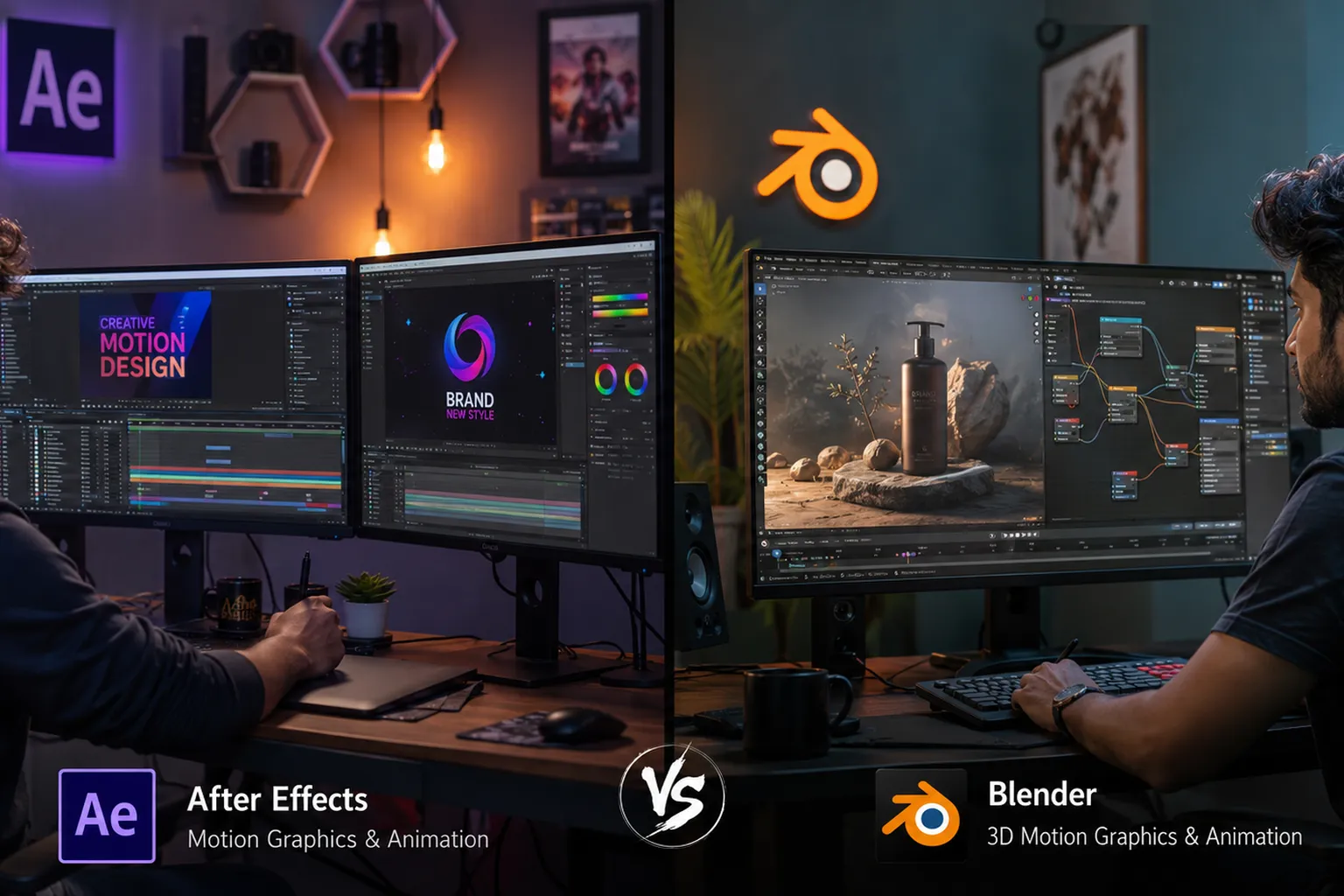
After Effects vs Blender for Motion Graphics in 2026
Motion graphics has become one of the fastest-growing creative careers in India. From social media advertisements and YouTube videos to television commercials and brand campaigns, motion designers are in high demand across industries.
Two of the most popular tools used by motion graphics professionals are Adobe After Effects and Blender. Both are powerful, but they serve different purposes and offer unique advantages.
If you're planning to start a career in motion graphics, this guide will help you understand the differences and decide which software is right for you.
What is Adobe After Effects?
Adobe After Effects is the industry-standard software for motion graphics, visual effects, title animation, kinetic typography, logo animation, and video compositing.
It is widely used by:
- Advertising Agencies
- Digital Marketing Companies
- YouTube Content Creators
- Video Production Studios
- Broadcast & Television Networks
After Effects integrates seamlessly with Photoshop, Illustrator, Premiere Pro, and other Adobe Creative Cloud applications.
Key Features of After Effects
- 2D Motion Graphics
- Kinetic Typography
- Logo Animation
- Visual Effects (VFX)
- Green Screen Compositing
- Social Media Video Creation
- Advanced Motion Tracking
- Large Plugin Ecosystem
What is Blender?
Blender is a powerful open-source 3D software used for modeling, animation, motion graphics, visual effects, rendering, and game asset creation.
Unlike After Effects, Blender specializes in creating 3D content and cinematic animations.
Key Features of Blender
- 3D Modeling
- 3D Motion Graphics
- Character Animation
- Product Visualization
- 3D Rendering
- Physics Simulations
- Visual Effects
- Game Asset Creation
After Effects vs Blender: Feature Comparison
| Feature | After Effects | Blender |
|---|---|---|
| 2D Motion Graphics | Excellent | Good |
| 3D Motion Graphics | Limited | Excellent |
| Logo Animation | Excellent | Good |
| Character Animation | Basic | Advanced |
| Visual Effects | Excellent | Excellent |
| Product Animation | Good | Excellent |
| Ease of Learning | Easier | Moderate to Difficult |
| Software Cost | Subscription Based | Free |
Which Software is Easier for Beginners?
For beginners interested in social media content creation, advertising videos, YouTube animations, and digital marketing projects, After Effects is generally easier to learn.
Blender has a steeper learning curve because it combines modeling, texturing, lighting, animation, rendering, and simulation tools in a single application.
If your goal is to start freelancing quickly, After Effects usually provides a faster path.
Career Opportunities with After Effects
- Motion Graphics Designer
- Video Editor
- Visual Effects Artist
- Content Creator
- Advertising Animator
- Social Media Video Specialist
Entry-level professionals can earn between ₹3 LPA and ₹6 LPA, while experienced motion designers often earn ₹8 LPA to ₹15 LPA or more.
Career Opportunities with Blender
- 3D Motion Designer
- 3D Animator
- Product Visualization Artist
- VFX Artist
- Game Asset Designer
- 3D Generalist
Skilled Blender artists working in animation studios, gaming companies, and international freelance markets can earn highly competitive salaries.
Can You Use Both Together?
Absolutely.
Many professional studios use Blender and After Effects together. Blender creates the 3D assets and animations, while After Effects handles compositing, visual effects, titles, and final output.
This combination is becoming increasingly valuable in modern content production workflows.
Which One Should You Learn in 2026?
Choose After Effects if:
- You want to become a Motion Graphics Designer.
- You are interested in advertising and social media content.
- You want faster job opportunities.
- You already use Photoshop or Illustrator.
Choose Blender if:
- You want to work in 3D animation.
- You enjoy creating realistic visual content.
- You want to enter gaming, VFX, or product visualization industries.
- You prefer a free professional-grade software.
Best Recommendation: Start with After Effects to build strong motion design fundamentals, then learn Blender to expand into 3D motion graphics and high-end visual storytelling.
Final Thoughts
Both After Effects and Blender are excellent career-building tools. The right choice depends on your career goals, interests, and the type of projects you want to create.
For most beginners, After Effects offers a quicker entry into the creative industry. Blender, however, opens doors to advanced 3D animation, visual effects, and gaming careers.
The strongest professionals in 2026 will be those who understand both 2D and 3D motion graphics workflows and can combine them to create engaging visual experiences.