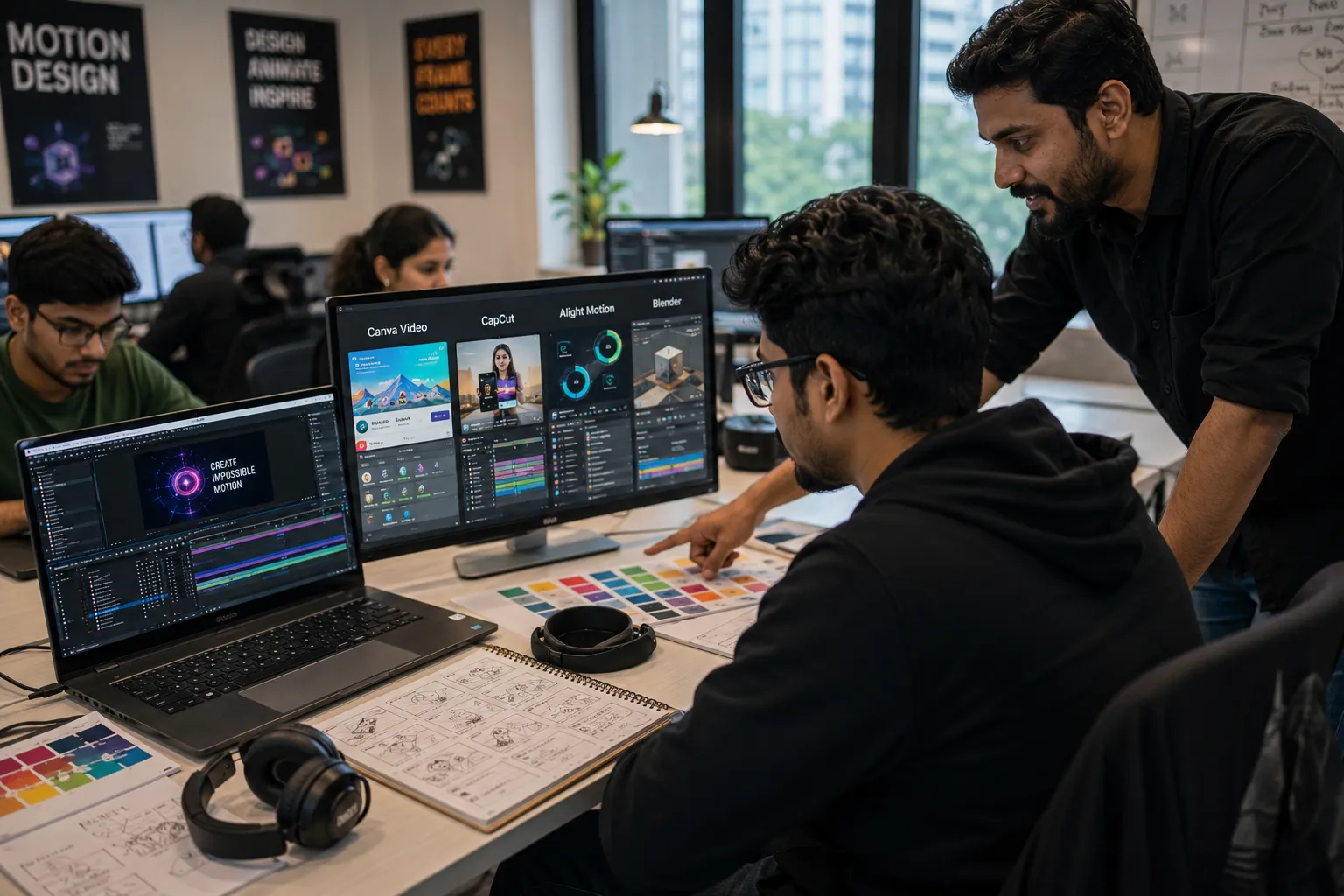
5 Motion Graphics Apps for Beginners in 2026
Motion Graphics has become one of the most in-demand creative skills in today's digital world. From YouTube videos and Instagram Reels to advertisements and product launch videos, motion graphics help brands communicate ideas through engaging animations.
If you're new to motion design, choosing the right software can feel overwhelming. Fortunately, several beginner-friendly applications make learning motion graphics much easier.
In this guide, we'll explore five of the best motion graphics apps for beginners in 2026 and explain what makes each one worth learning.
Why Learn Motion Graphics?
Motion graphics combines graphic design, animation, storytelling, and video production skills.
Benefits of Learning Motion Graphics
- High Demand Career
- Strong Salary Potential
- Freelancing Opportunities
- Creative Work Environment
- Growing Video Content Industry
- Remote Job Opportunities
1. Adobe After Effects
Adobe After Effects is the industry-standard motion graphics software used by professionals worldwide.
Best For
- Logo Animation
- Kinetic Typography
- Social Media Videos
- Explainer Videos
- Visual Effects
- YouTube Content
Why Beginners Should Learn It
Although it has a learning curve, After Effects is the most valuable software for anyone serious about a motion graphics career.
Difficulty Level
⭐⭐⭐☆☆ (Moderate)
2. Canva Video Editor
Canva has evolved into a powerful design and animation platform that is extremely beginner-friendly.
Best For
- Animated Social Media Posts
- Marketing Videos
- Business Promotions
- Instagram Reels
- Presentation Videos
Advantages
- Easy Interface
- Drag-and-Drop Workflow
- Ready-Made Templates
- No Prior Experience Required
Difficulty Level
⭐☆☆☆☆ (Very Easy)
3. CapCut
CapCut has become one of the most popular apps for content creators and beginner motion designers.
Best For
- Short-Form Videos
- YouTube Shorts
- Instagram Reels
- TikTok Content
- Animated Text Effects
Why It Stands Out
CapCut includes professional transitions, motion effects, templates, and AI-powered editing features.
Difficulty Level
⭐☆☆☆☆ (Very Easy)
4. Alight Motion
Alight Motion is one of the most powerful mobile-based motion graphics applications available.
Best For
- Mobile Motion Graphics
- Logo Animations
- Visual Effects
- Typography Animations
- Social Media Content
Features
- Keyframe Animation
- Vector Support
- Visual Effects
- Professional Motion Tools
Difficulty Level
⭐⭐☆☆☆ (Beginner Friendly)
5. Blender
Blender is a free, professional-grade 3D software used for animation, motion graphics, and visual effects.
Best For
- 3D Motion Graphics
- Product Animation
- Visual Effects
- 3D Advertising
- Creative Motion Design
Why Learn Blender?
Many companies seek designers who understand both 2D and 3D animation workflows.
Difficulty Level
⭐⭐⭐⭐☆ (Advanced Beginner)
Quick Comparison
| Software | Best For | Difficulty |
|---|---|---|
| Adobe After Effects | Professional Motion Graphics | Moderate |
| Canva Video | Social Media Content | Easy |
| CapCut | Short Videos & Reels | Easy |
| Alight Motion | Mobile Animation | Easy |
| Blender | 3D Motion Graphics | Advanced Beginner |
Recommended Learning Path
If you're completely new to motion graphics, follow this roadmap:
- Canva Video
- CapCut
- Alight Motion
- Adobe After Effects
- Blender
This progression allows beginners to build confidence before moving into professional-level animation software.
Skills You Should Learn Alongside These Apps
- Animation Principles
- Storytelling
- Typography
- Color Theory
- Video Editing
- Visual Hierarchy
- Motion Design Fundamentals
Career Opportunities
Learning motion graphics can open doors to various creative careers:
- Motion Graphics Designer
- Video Editor
- Content Creator
- YouTube Video Designer
- Advertising Motion Designer
- Social Media Content Specialist
- Animation Artist
Salary Potential in India
| Experience | Average Salary |
|---|---|
| Fresher | ₹3.5 – ₹6.5 LPA |
| 1-3 Years | ₹6 – ₹12 LPA |
| 3-5 Years | ₹10 – ₹20 LPA |
| Senior Motion Designer | ₹18 – ₹35+ LPA |
Final Thoughts
Motion graphics is one of the fastest-growing creative fields in 2026. Beginners don't need expensive software or years of experience to get started.
Start with user-friendly tools like Canva, CapCut, or Alight Motion, then gradually move into Adobe After Effects and Blender as your skills improve.
Consistent practice, creative experimentation, and a strong portfolio will help you build a successful career in motion graphics design.